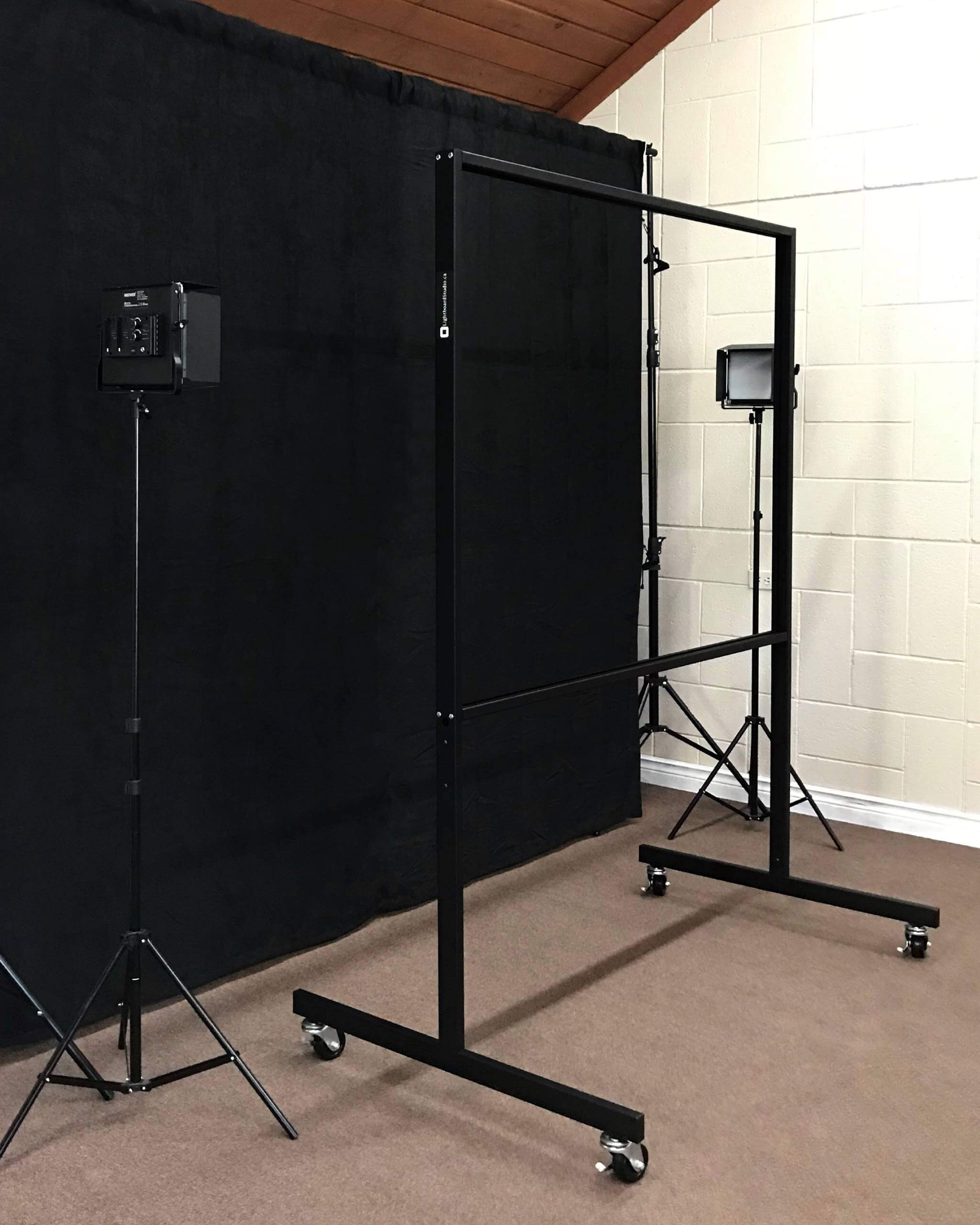
The equipment inside a Lightboard studio.
Seven components, working together to capture broadcast-quality video on day one. Every piece of equipment here is tested with our boards as one system and ships from our Toronto workshop. Buy each piece on its own, or save with the complete Studio Package.
Tour each component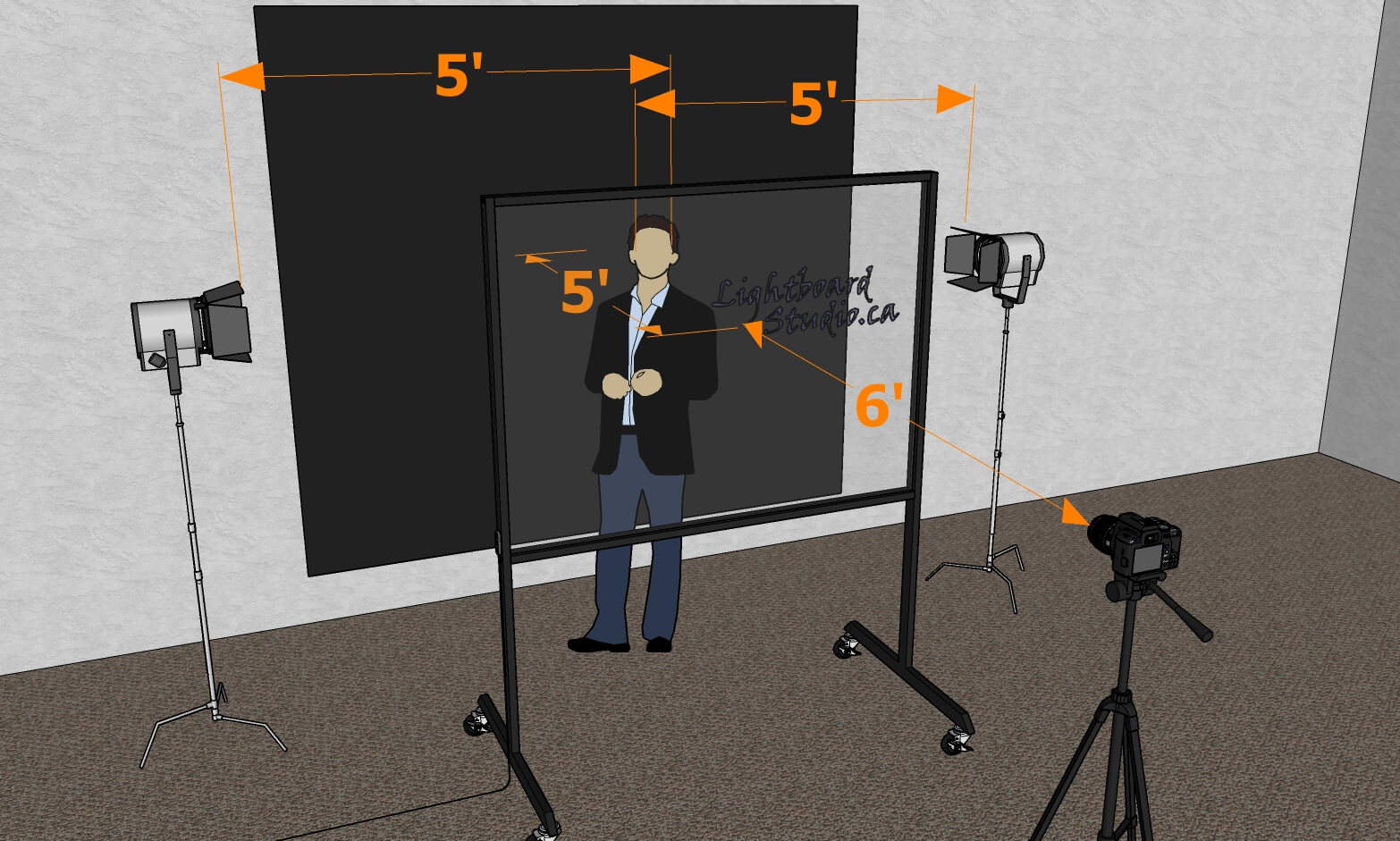
Jump to any piece of the studio.
The backdrop.
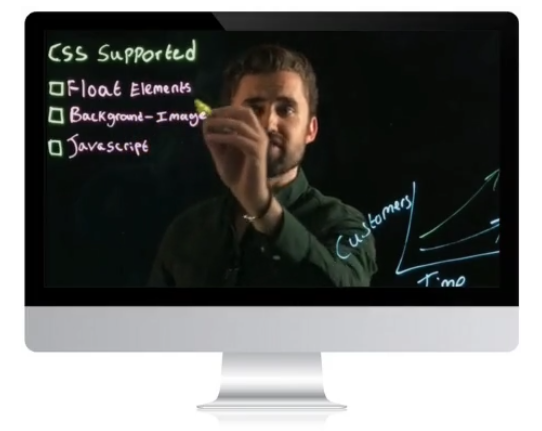
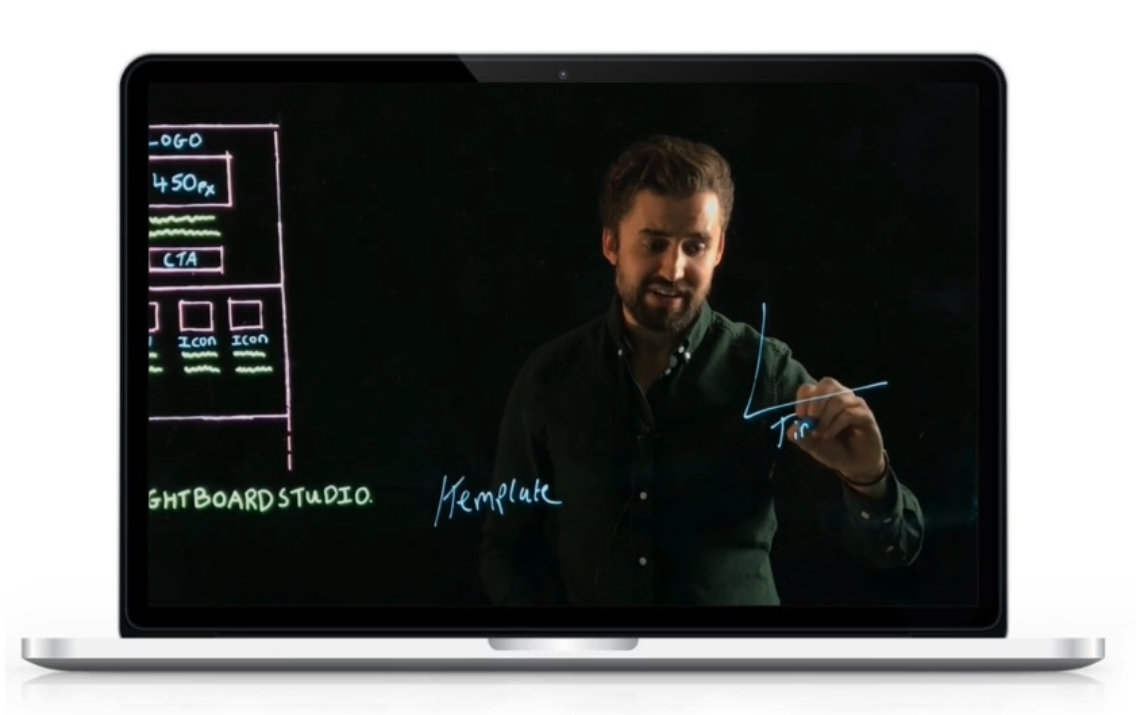
The backdrop gives your videos a distraction-free, true-black background, making you and your drawings stand out once the camera brightness comes down.
Our Studio Backdrop Set is freestanding: two matte black suede drapes on an adjustable Neewer stand, 10 feet wide and 7 feet tall, weighted by sandbags. No wall required, and it packs into a carrying bag. Prefer zero floor footprint? Our Black Backdrop wall panels hang with damage-free strips instead.
- True matte black suede that disappears on camera
- Freestanding Neewer stand · no wall required
- Wall-panel option available for tight spaces
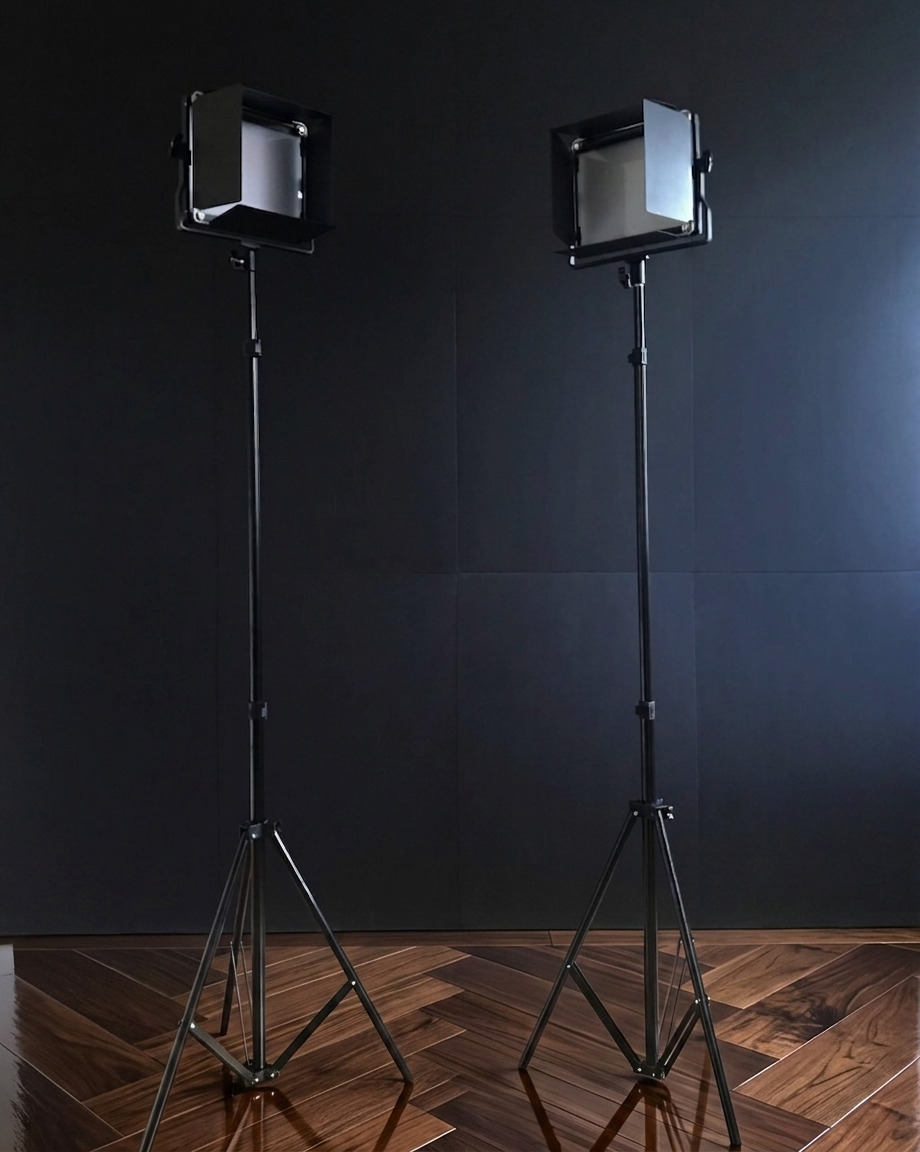
Studio presenter lights.
Studio lights are essential for keeping the presenter visible. The trick is using barn doors to focus the beam so the light hits you, not the glass and not the backdrop.
Our Neewer 660 bi-colour lights include barn doors, a soft diffuser, and adjustable brightness and colour temperature (3200K–5600K) so you can dial in a clean look in any room.
- Adjustable brightness and colour temperature
- Barn doors for directional control
- Soft diffuser for even skin tones
- 79″ Neewer stands, height & tilt adjustable
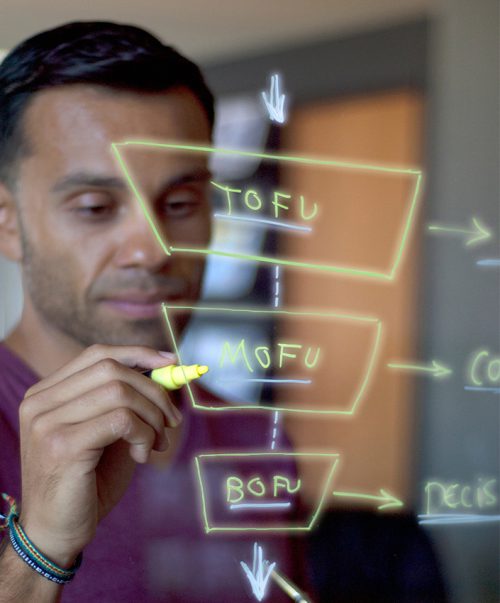
The light controller.
Setting the Lightboard's brightness matters because every office has different ambient lighting. The darker the room, the higher you can crank the board and the lower you can take your camera brightness.
Every Lightboard we make ships with a detachable corded control unit with six brightness settings, so you can fine-tune the glow to your room and your camera.
- Six brightness settings
- Detachable corded unit with dimmable switch
- Included with every Lightboard
The Lightboard.
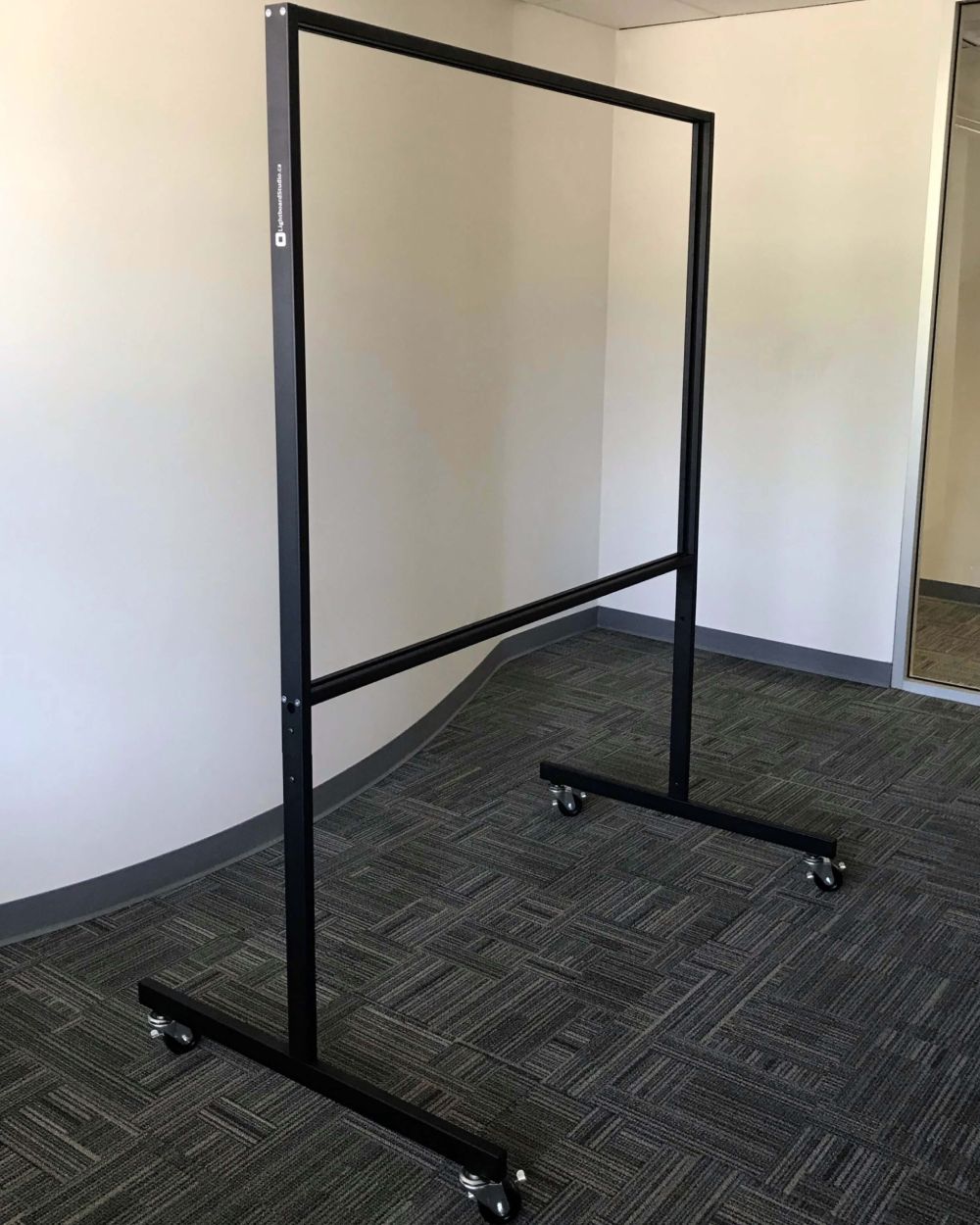
The Lightboard Classic is sized to record large-scale lessons or training videos, and the low-iron architectural glass makes drawings glow brightly while resisting scratches.
Cheaper clear-glass and acrylic boards scratch easily, trap pen residue, and can't be cleaned cleanly, which makes them harder to film against once you start adjusting camera brightness.
- 72″ panel of 10mm low-iron Starphire glass
- Tempered, scratch-resistant
- Edge-lit LED system with six brightness levels
- Mobile, locking caster base
Your recording device.
DSLRs, webcams, and smartphones all work well. The hard requirement is manual control: ISO, aperture, and shutter speed need to be adjustable so you can pull the brightness down artificially.
Whichever you pick, mount it on a stand and centre it on the Lightboard glass both vertically and horizontally.
- Manual ISO / aperture / shutter required
- DSLR, webcam, or smartphone all work
- Mount centred on the Lightboard glass
A camera stand.
The camera stand needs to be tall enough to centre the recording device on the Lightboard glass, both vertically and horizontally, so your framing keeps the writing on-axis. We recommend at least 5 feet.
- At least 5 feet (1.5m) tall
- Heavy-duty, lockable
- Mount centred on the Lightboard
The audio kit.
The microphone needs to reach under the Lightboard so it picks up the presenter clearly behind the glass.
If you're using a clip-on mic or a USB mic on your laptop, a male-to-female audio extension cable solves it cheaply. Tape down the cable runs. A dark studio with cables on the floor is a trip hazard.
- Lavalier microphone, 3.5mm or USB
- Audio extension run under the Lightboard
- Cable management tape to cover runs
Everything on this page, in one crate.
Our Lightboard Studio Package bundles every component you see on this page (board, backdrop, lights, and free expert training) at a discount over buying a la carte. Tested as a system, designed for small offices, shipped from our Toronto workshop, and backed by flat-rate $99 GTA delivery and assembly.