Expert Lightboard training, included free.
Every Lightboard comes with a private session with your own Lightboard and videographer consultant. Setup, filming, editing and your first real video, recorded together. Choose a visit to your space or a live session online.
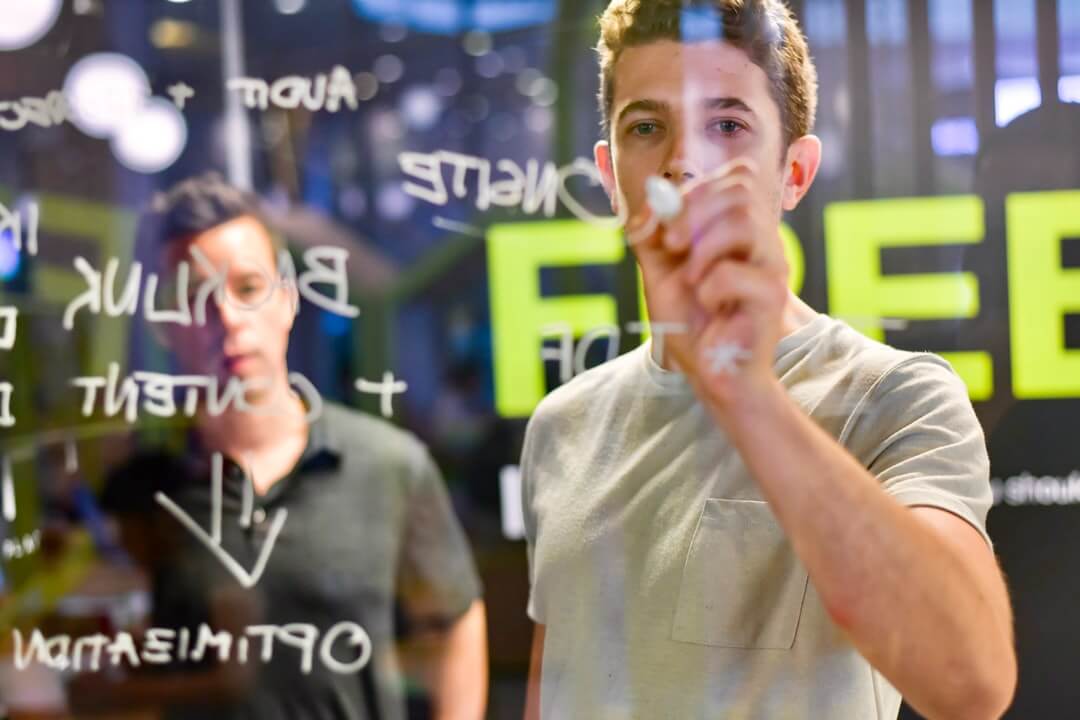
Get free Lightboard training.
Most manufacturers sell support separately. We build it into the price. Every Lightboard arrives with training and setup included, so your team is recording with confidence on day one instead of working through a manual.
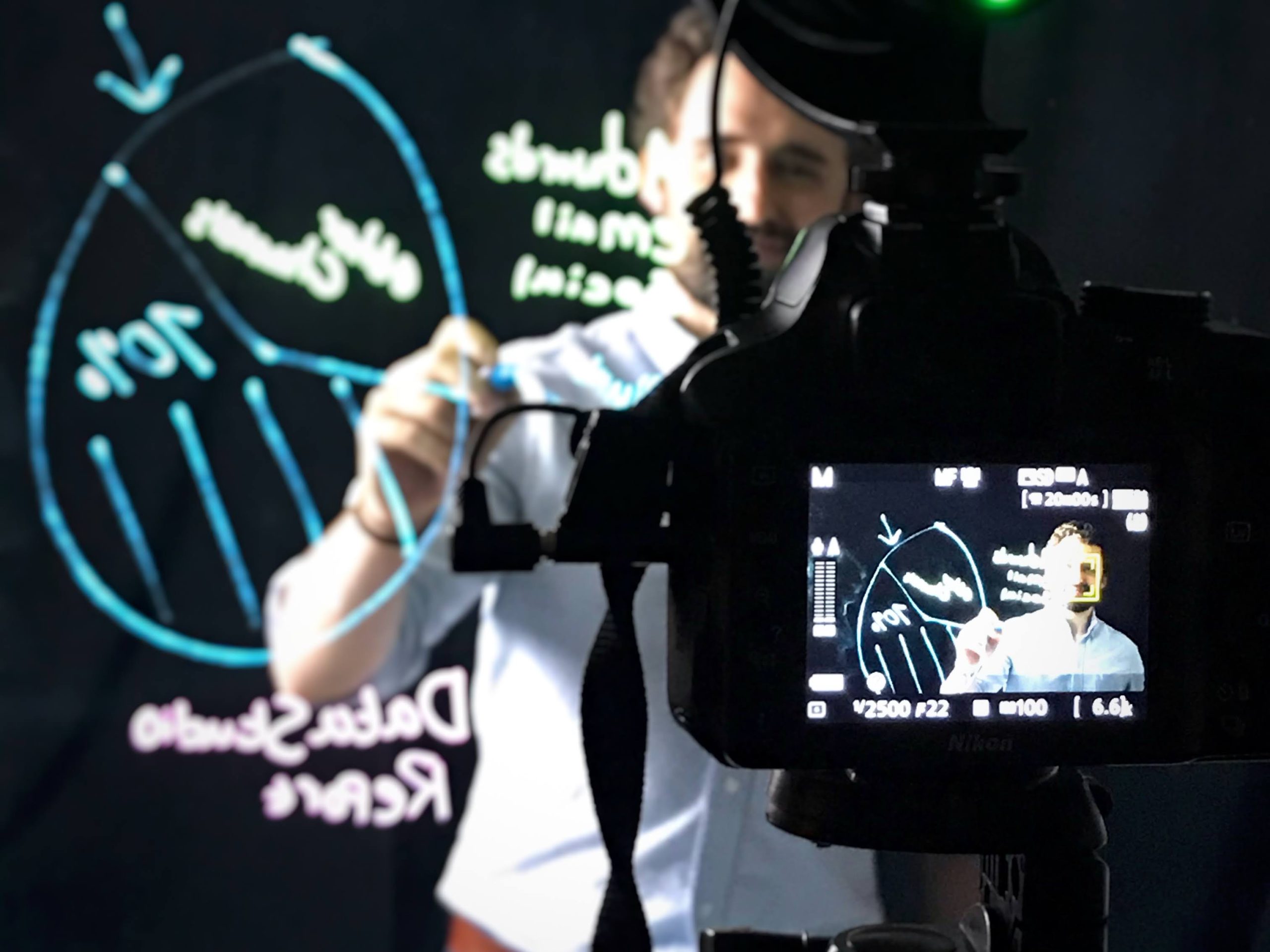
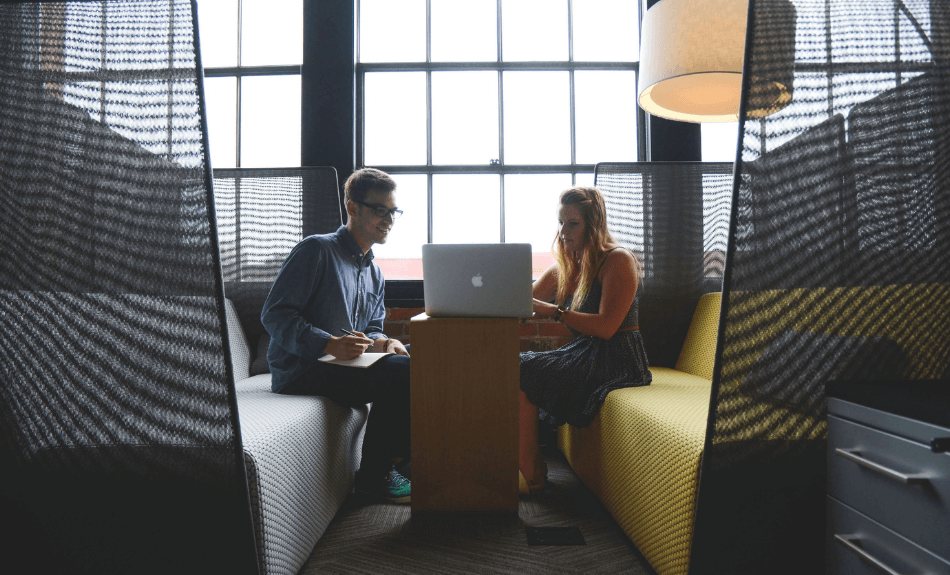
One expert, start to finish.
No scripted product demo. One Lightboard and videographer consultant stays with you for the whole session and works on whatever moves your project forward.
- A dedicated expert The same person from unboxing to your first finished video.
- Your agenda Set up the room, plan your content, or simply get comfortable on the glass.
- Bring the whole team Everyone who will use the board can join and ask questions.
Nine things we walk through together.
Your session flexes to what your team needs. This is the full route, from planning your first video to recording it.
-
Stage one
Plan your videos
Where Lightboard video fits your team, and what you need to make it.
- 01 The Lightboard video process, from idea to upload
- 02 Where Lightboard videos fit your marketing plan
- 03 Choosing your camera: smartphone, webcam or DSLR
-
Stage two
Set up your studio
Your board, your camera and your room, working together.
- 04 Hands on setup of your new Lightboard
- 05 Positioning and settings for the camera you chose
- 06 Cleaning and maintenance that keeps the glass clear
-
Stage three
Record your first video
Software, a practice run, and every question your team has.
- 07 A walkthrough of your software, from OBS to Logitech Capture
- 08 A practice run of your first Lightboard video
- 09 Open questions from everyone on your team
By the end of your session.
You can film on your own
The whole workflow, from studio setup and camera settings to recording take after take.
You can polish and publish
Flip the footage, trim it and add graphics in software your team already uses.
You have a finished video
Your first Lightboard video, recorded together before the session ends.
Training is included with every Lightboard.
Already ordered? Reach out to schedule your session. Still deciding? We'll help you plan the right studio for your space and budget.